Play NES games anywhere
A free, open-source, cycle-accurate emulator for macOS, Windows, Linux, Android and your browser. Plays 3,654 games.
Web
Nothing to download. Installs to the home screen and works offline, on iPhone and iPad too.
macOS
macOS 12 or later · Apple silicon and Intel
NESd is not signed by Apple, so macOS blocks the first launch. Open System Settings, go to "Privacy & Security", scroll to "Security" and choose "Open Anyway".
Windows
Windows 10 or later · 64-bit
Unzip anywhere and run NESd.exe. SmartScreen warns about unknown publishers: choose "More info", then "Run anyway".
Linux
All formats
glibc 2.39 or later (Ubuntu 24.04+, Fedora 40+)
On older distributions, install the Flatpak instead.
Android

Android 7 or later
Or install the APK directly. Android asks you to allow installs from your browser once.
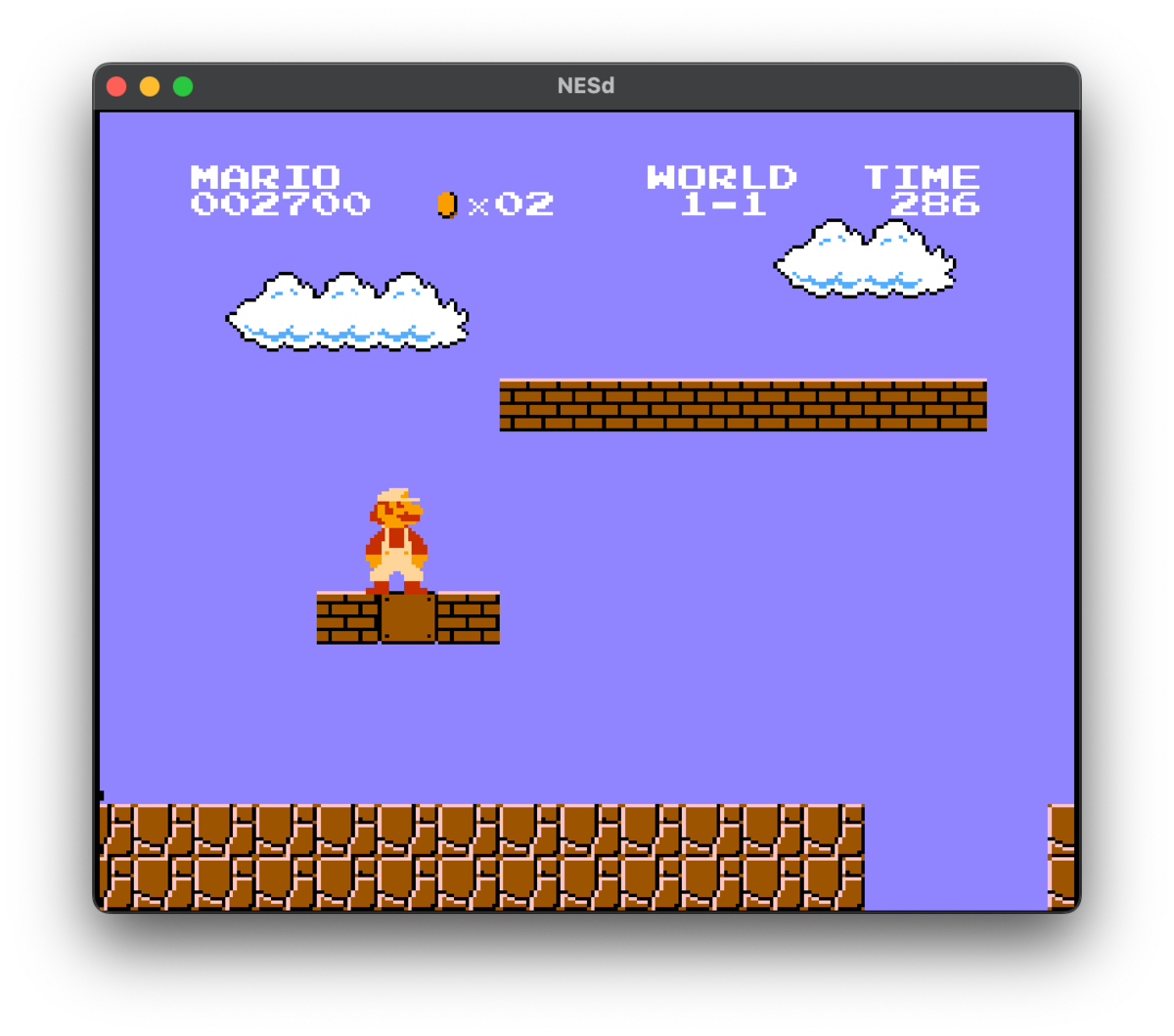
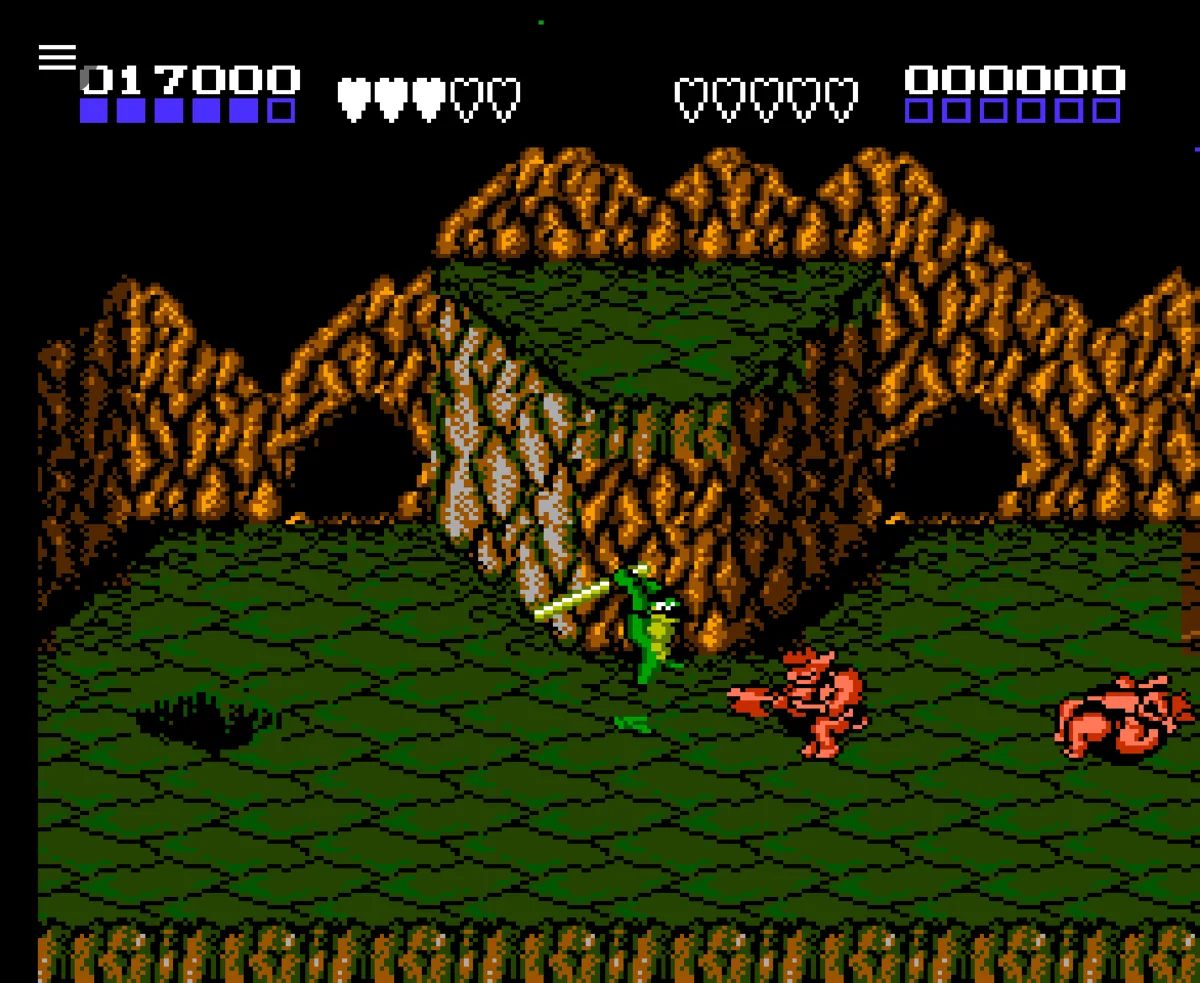
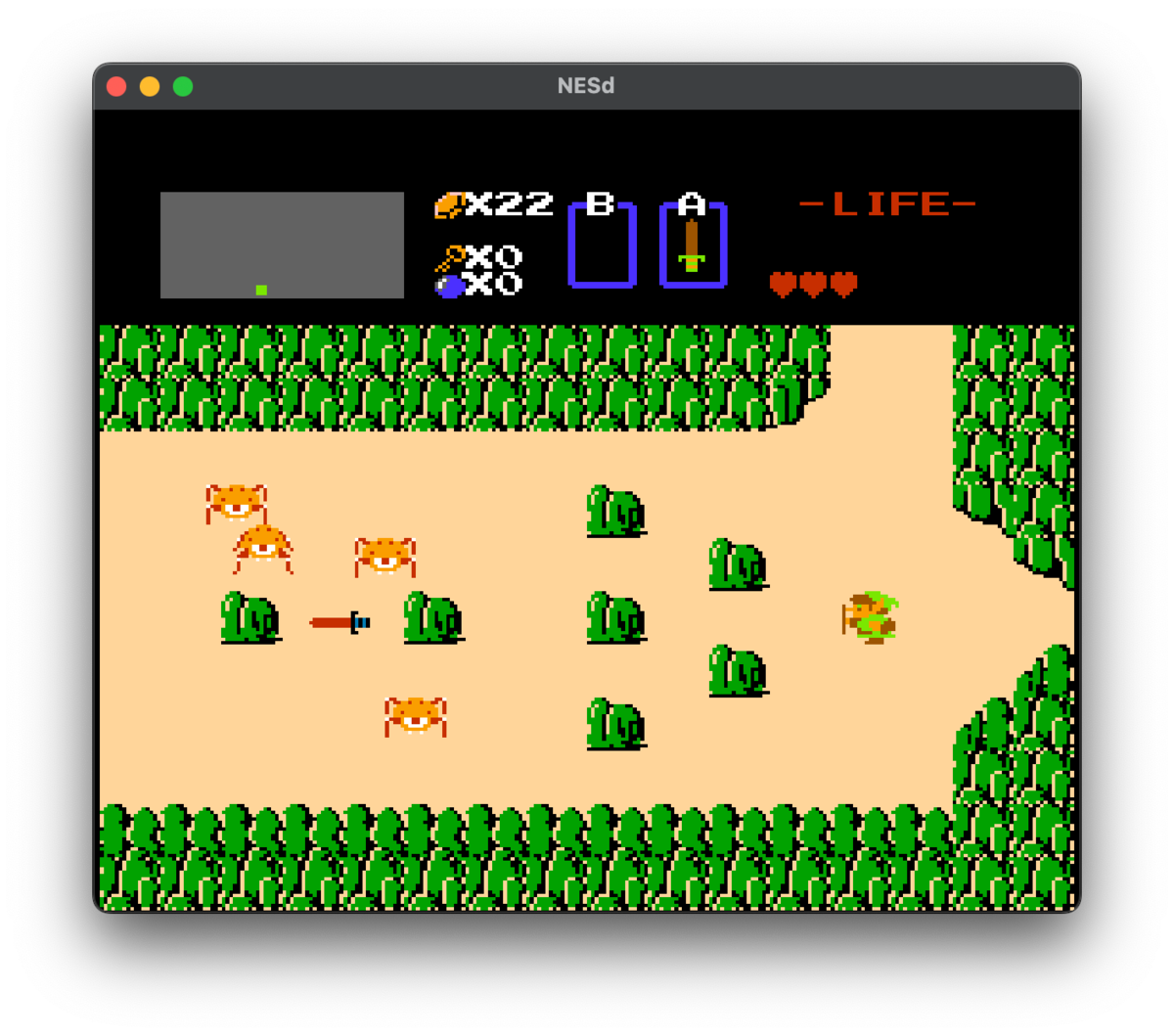
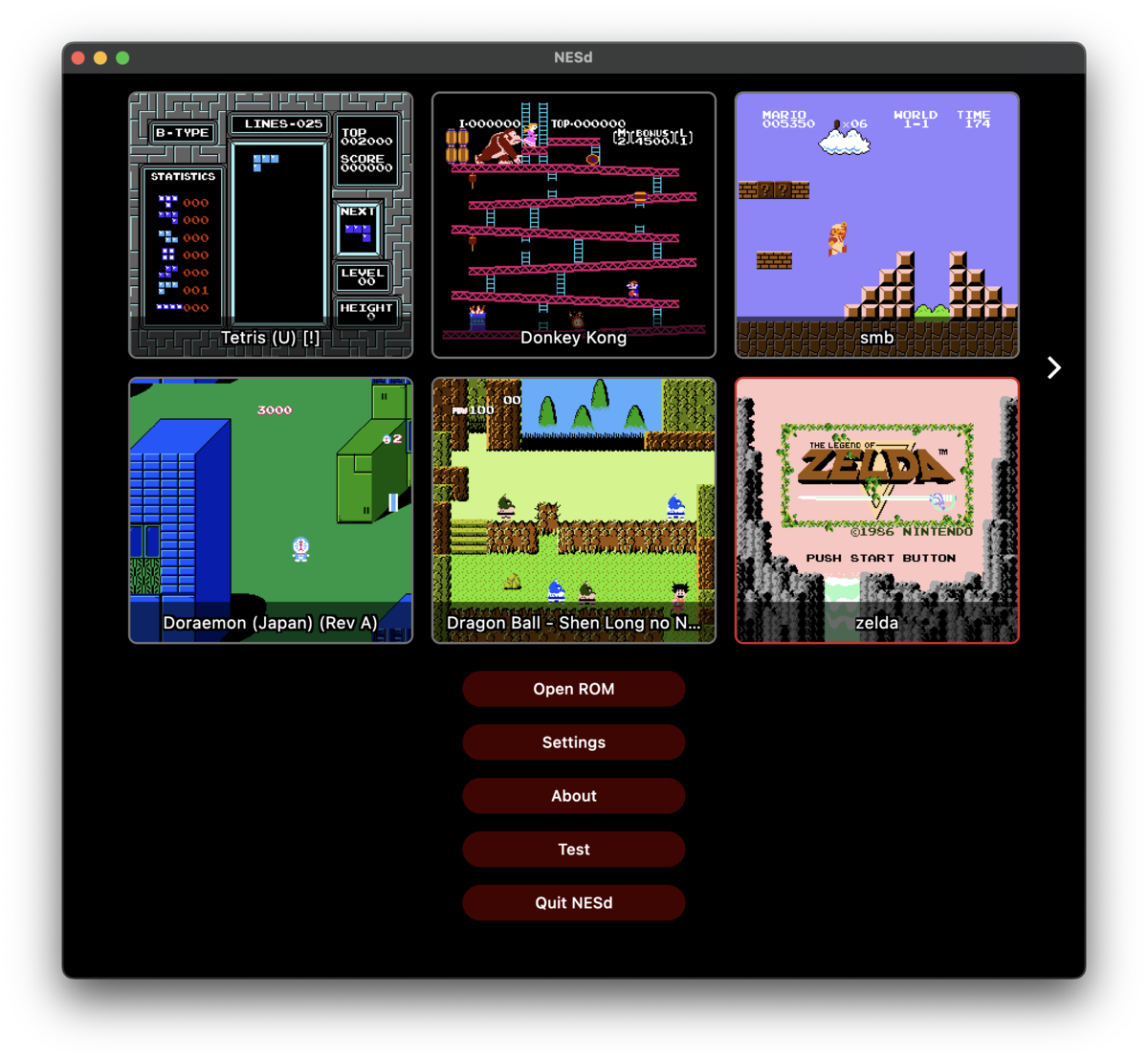
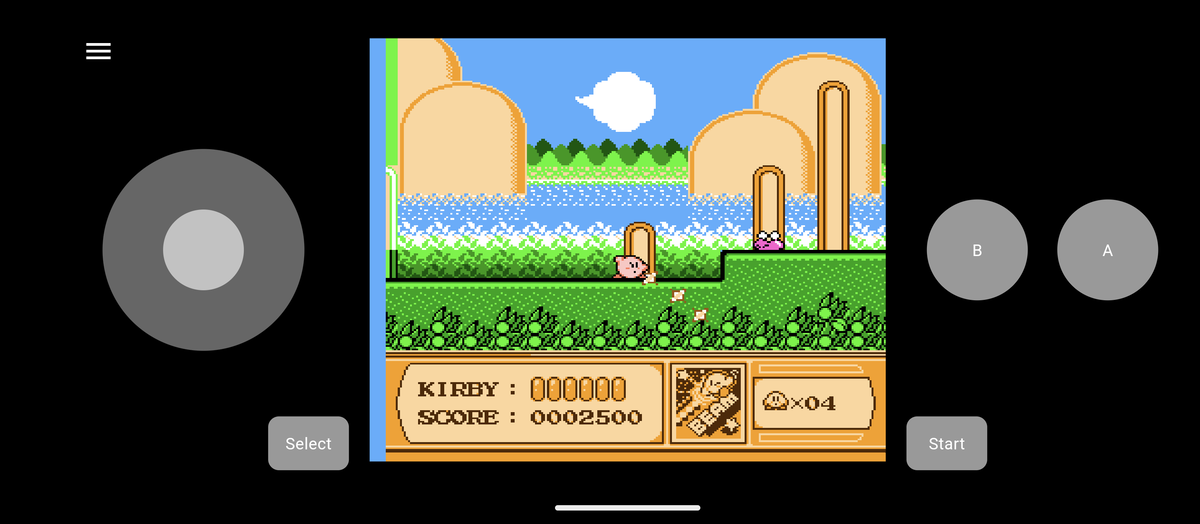
You bring the games
NESd ships without games, so you supply the ROMs: dumps of cartridges you own, or homebrew. Open a .nes
file, or a .zip with one inside, and NESd does the rest.
People are still making new NES games. These are good places to start:
- itch.io homebrewNew games, still being made today
- PDRomsA long-running homebrew archive
- NESdevThe community behind most of it
Features
Playing
- Save states
- Rewind
- Battery-backed saves
- Game Genie cheats
- ZIP archives
- Fast forward
Controls and display
- Gamepads
- Rebindable controls
- Touch controls
- Turbo buttons
- CRT and smooth filters
- Zapper light gun
Under the hood
- Cycle-accurate CPU, PPU, APU
- NTSC and PAL timing
- Debugger and execution log